


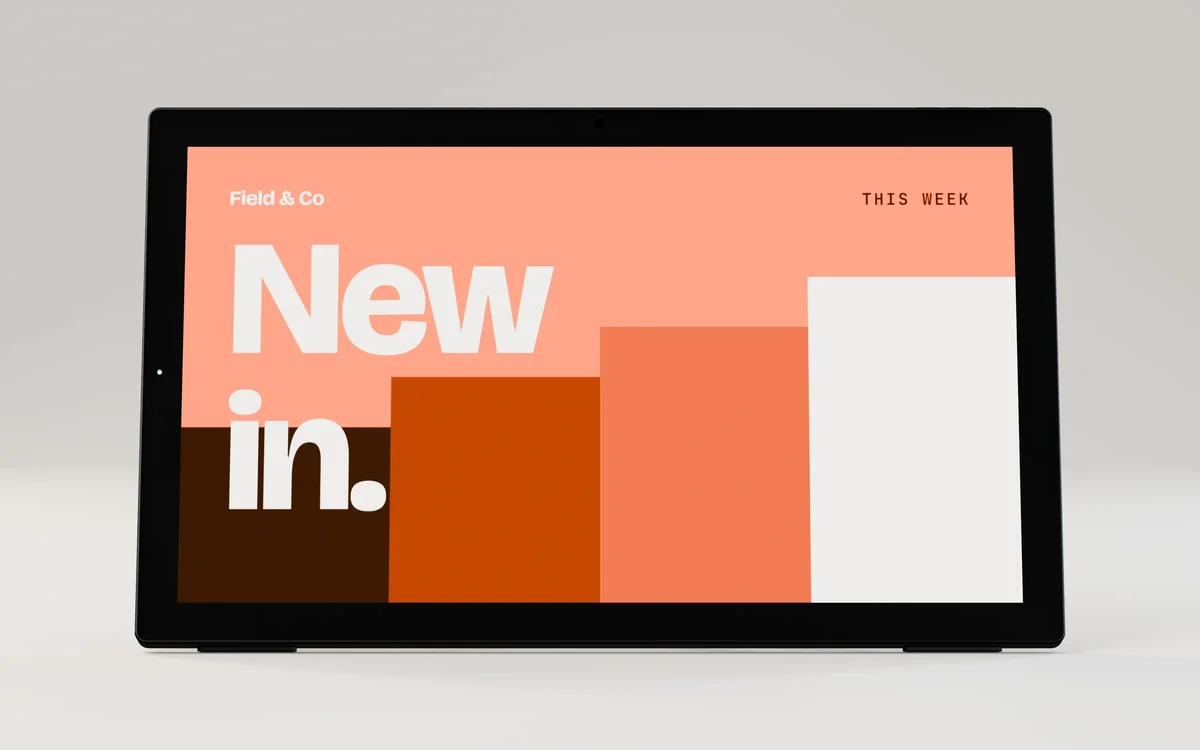
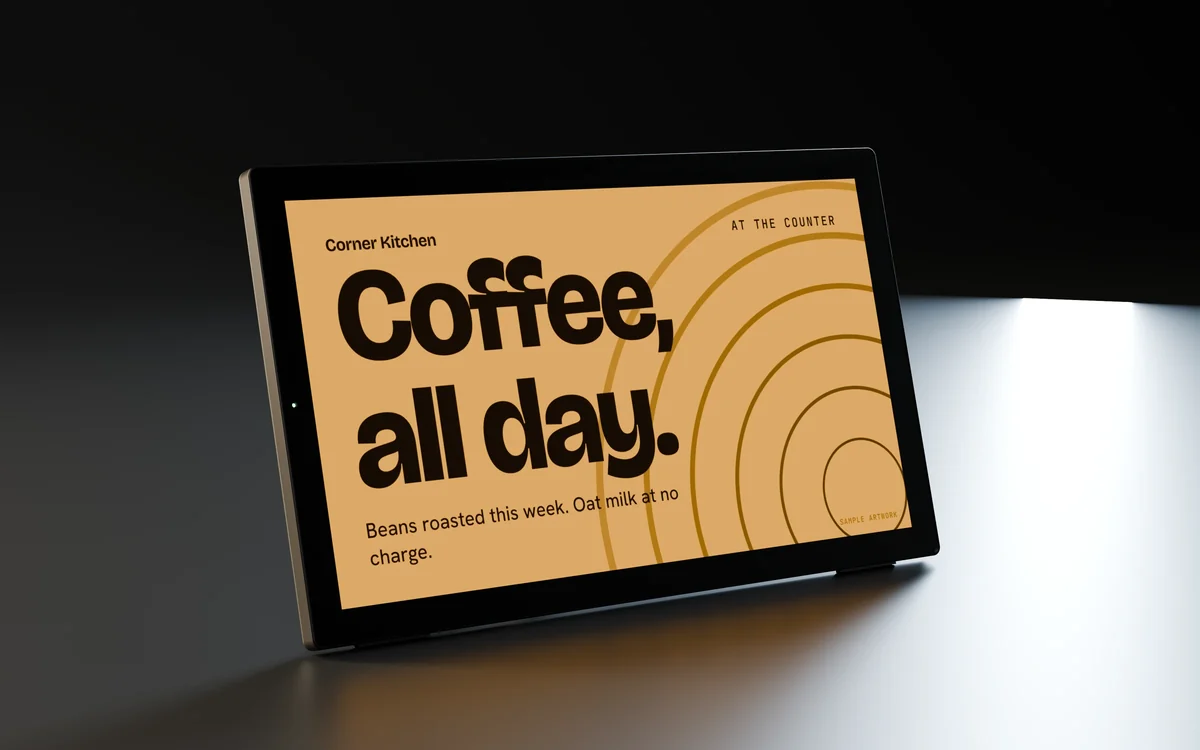
Desk and counter · series E
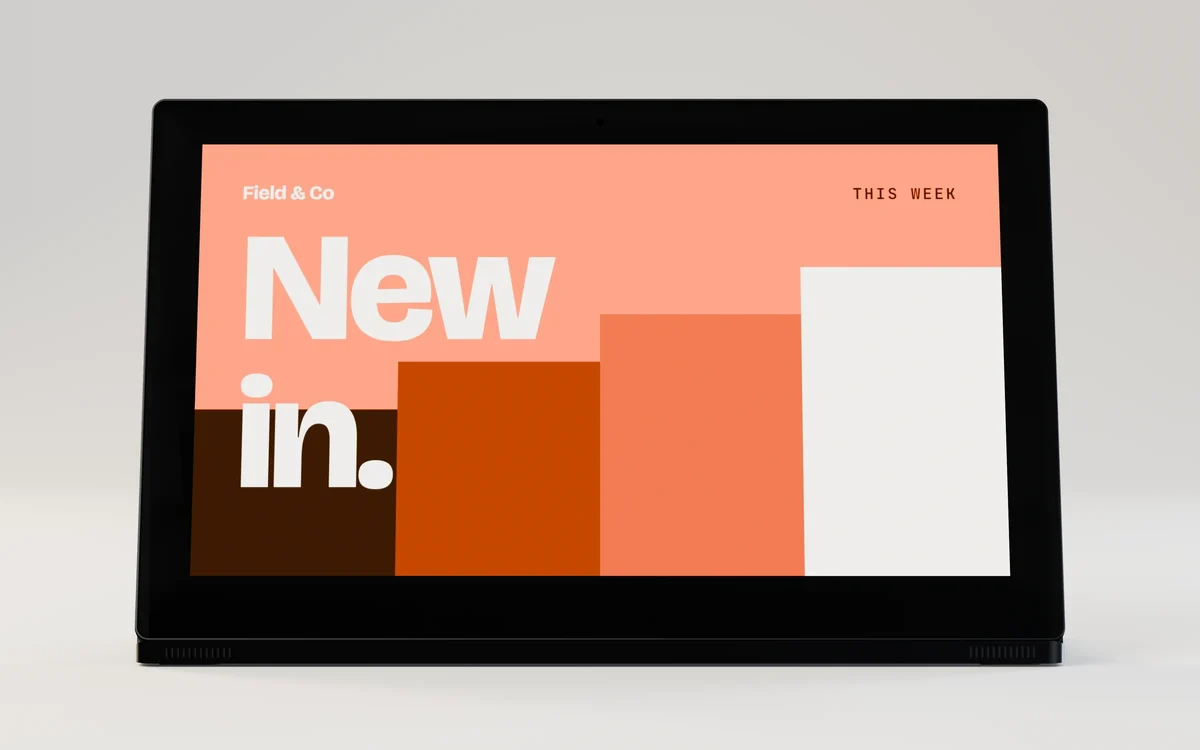
14 in desk display with kickstand
1920 × 1080 · 300 nits · 10-point capacitive
IMDS-DK14-E
Desk display · series D
Model IMDS-DS101-D
Sold by quote. Your quote states the price, lead time and warranty in writing.


Every side
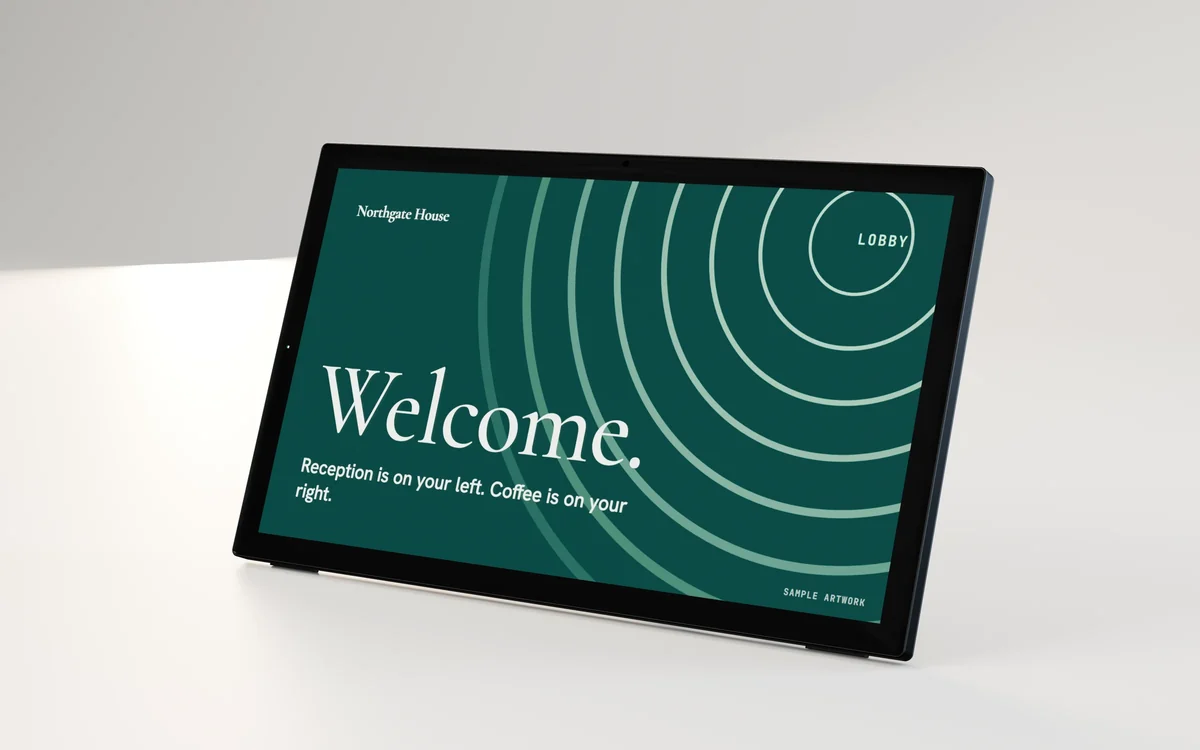
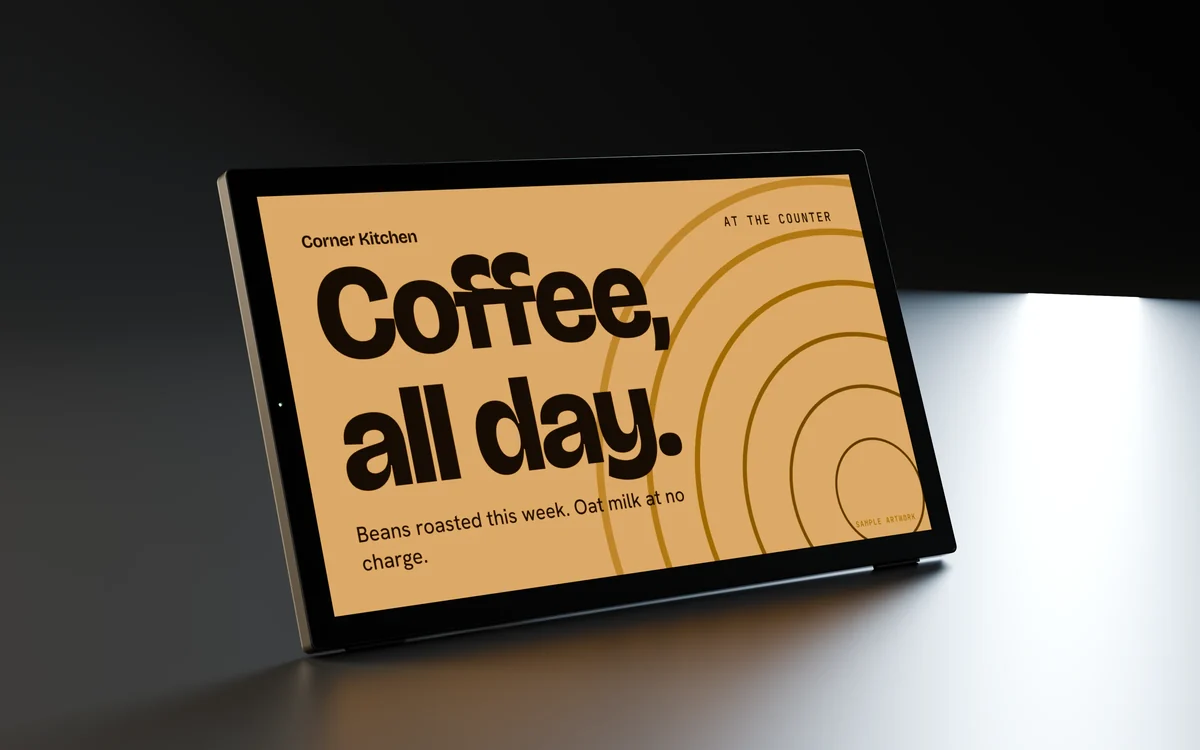
Rendered from this model's CAD with our sample artwork. Select a picture to see it full size.
A full turn, rendered from the product CAD. No sound.
In 3D
An illustrative model of the housing, based on the product photographs and size specification. Drag to turn it, pinch or Ctrl and scroll to zoom, or use the arrow keys. Separate the parts to see how the front, the panel and the rear housing go together.
Active area from the spec sheet: 134 × 216 mm (portrait W x H). Confirm connector positions and fixing dimensions with your quote before installation.

Specification
Every value below is from this model's spec sheet or drawing. Where two of the maker's documents disagree, we show "we confirm with your quote" rather than pick one.
From the maker's packing list. We confirm what ships with your quote.
Not rated for outdoor use. Need touch, a different brightness or another option? Say so in the quote.
Install
Desk displays stand on their own base or kickstand, on a reception desk, a counter or a meeting room table. Set the angle, route the cable and load content.
Install film for this model: 3d animation from the product cad, sample artwork. No sound; every step is written out below, and pressing a step plays from there.
 01
Set the display on a flat, steady surface near a power outlet.
 02
Connect the power cable between the display and the outlet.
 03
Switch on the power and the screen lights up.
 04
Load your pictures and videos, and they play on the screen.
 05
Tap the screen: the capacitive touch panel responds to your fingers.
The full guide, with the 3D walkthrough About 15 minutes. One person.
Where it goes
Example applications of this kind of screen. These are not our customers' sites, and the screens in them may be other models.
Compare
Desk and counter · series E
1920 × 1080 · 300 nits · 10-point capacitive
IMDS-DK14-E
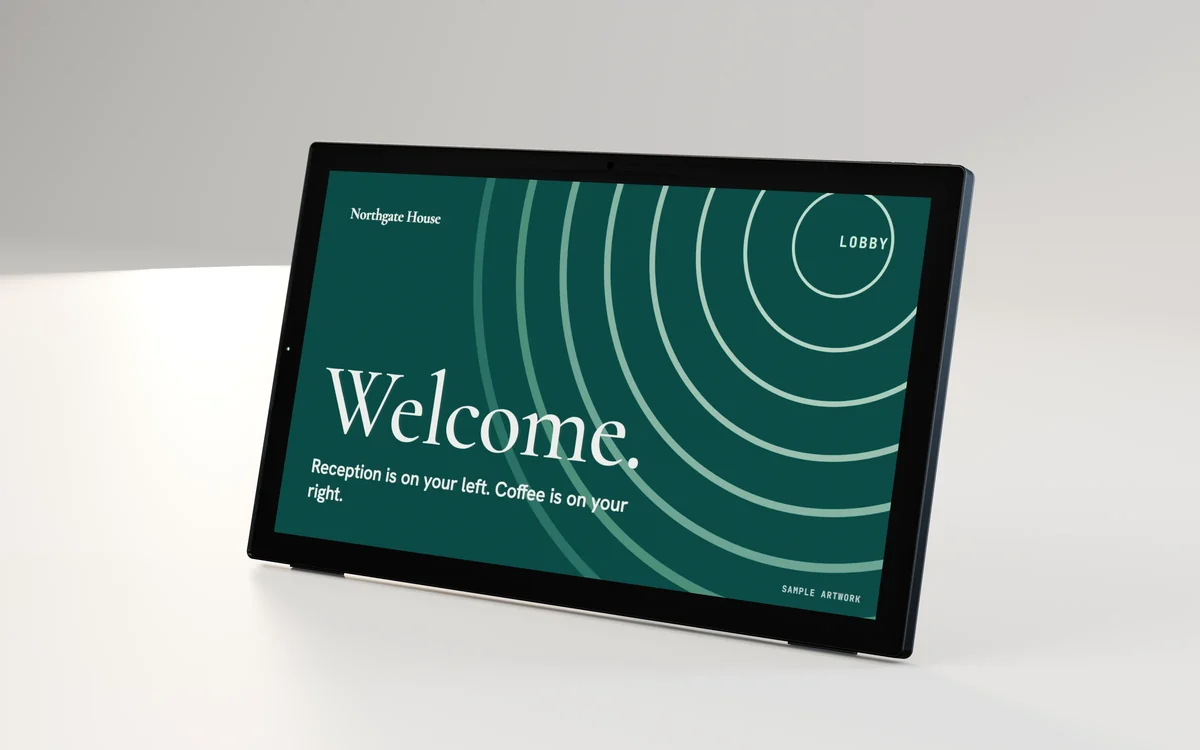
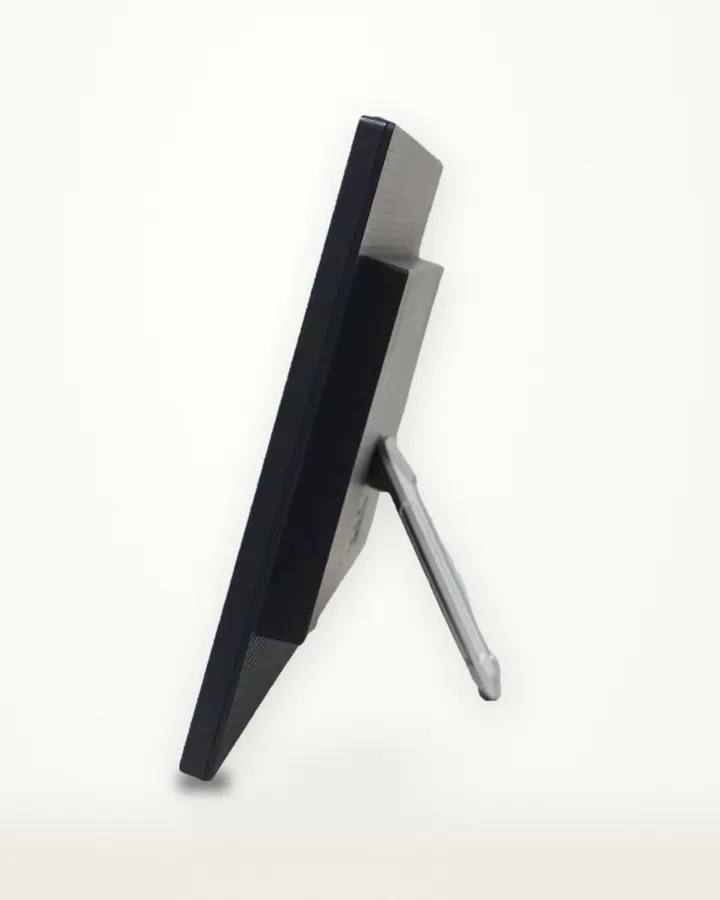
Desk and counter · series E
1920 × 1080 · 300 nits · No touch
IMDS-DK156-E

Desk and counter · series F
1920 × 1080 · 250 nits · Capacitive 10-point
IMDS-DS156-F
Desk and counter · series E
1920 × 1080 · 300 nits · 10-point capacitive
IMDS-DK185-E
Tell us how many, where they go and how they get power. We reply by email with the price, lead time and warranty in writing.