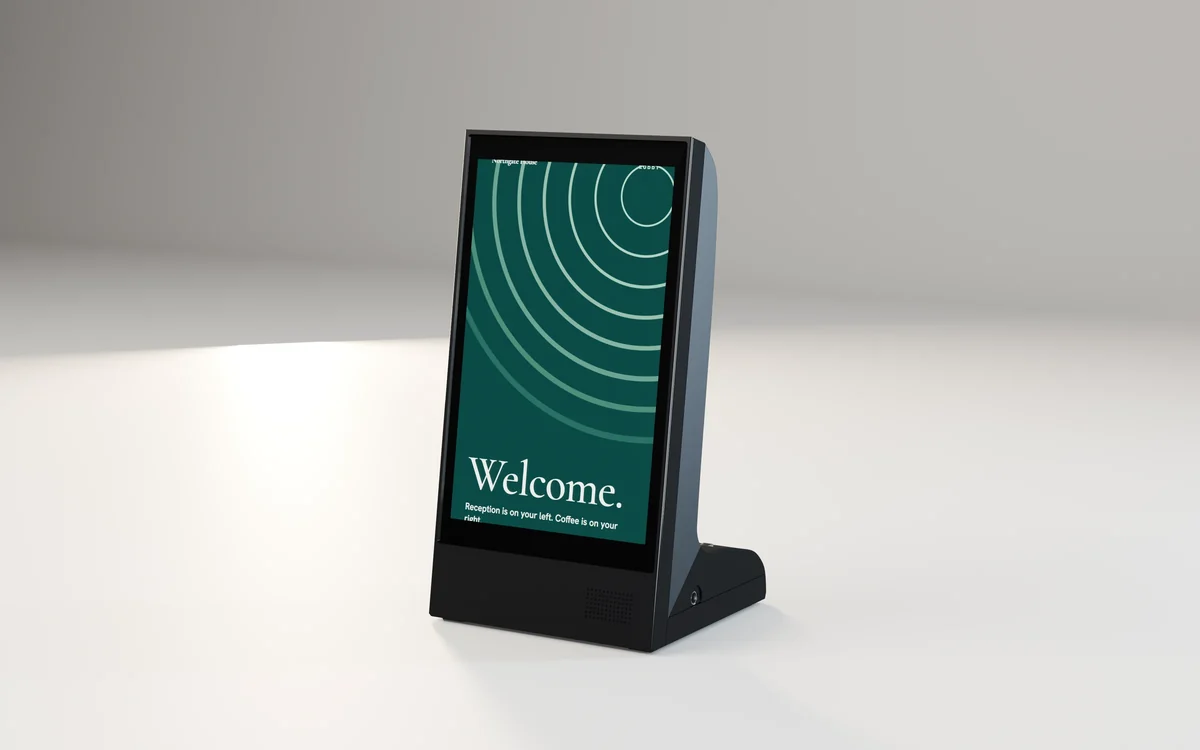
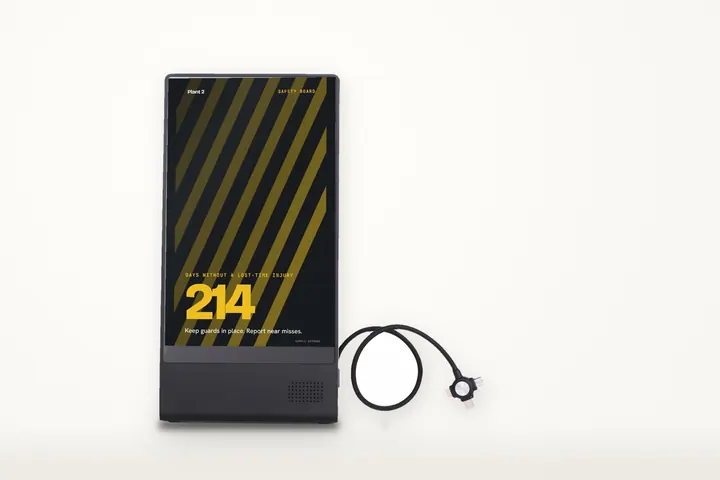
Table top · series D
8 in dual-screen table player
Capacitive 5-point, dual touch panels
IMDS-TPD8-D
Install guide
Table players sit on a table, counter or reception desk. There is nothing to mount: charge it or plug it in, load your content and place it.

Install film
3D animation from the product CAD, sample artwork, for the 8 in dual-screen table player. No sound; each step is written out under the film, and pressing one plays from there.
 01
Set the player on a flat surface near a power outlet to charge it.
 02
Connect the power cable and charge the battery before first use.
 03
Plug a USB stick with your pictures and videos into the micro USB (OTG) port.
 04
Unplug the cable and set the player where people will see it; it runs on its battery.
 05
Switch it on and the screen lights up.
 06
Stand a phone that supports wireless charging against a charging pad.

Step 1 of 4
8 in dual-screen table player, from its CAD. Other models in this guide follow the same steps.
Connect the power supply. On the battery model, let the first charge finish.
Insert the USB stick or microSD card, whichever your model takes (its page lists the slots), with your pictures and videos and follow the screen to start the show.
Stand it on a flat, dry surface where guests read it without moving it.
On the model with wireless charging, a phone placed on the pad charges while the player keeps playing.
First power-on
If something is wrong
Check the power at the outlet, the connector at the unit and any power switch. Try a known working outlet.
Check the card or stick is fully inserted and the files are pictures (JPG, PNG) or MP4 video. Try a smaller test file.
Rotation is a setting in the display. Set it once and the screen keeps it.
Re-check the bracket with a level. On a stand, check the surface. Do not pack under a bracket; refit it.
Email [email protected] with the model code on the label and a photo, and we will help.
Installed
Example applications of this mount. The screens pictured may be other models.


This guide covers
Each model page has its own drawing and spec values. Where a step differs for a model, its spec sheet and the note in its box come first.